A Built-in TUI
A TUI to help you monitor.
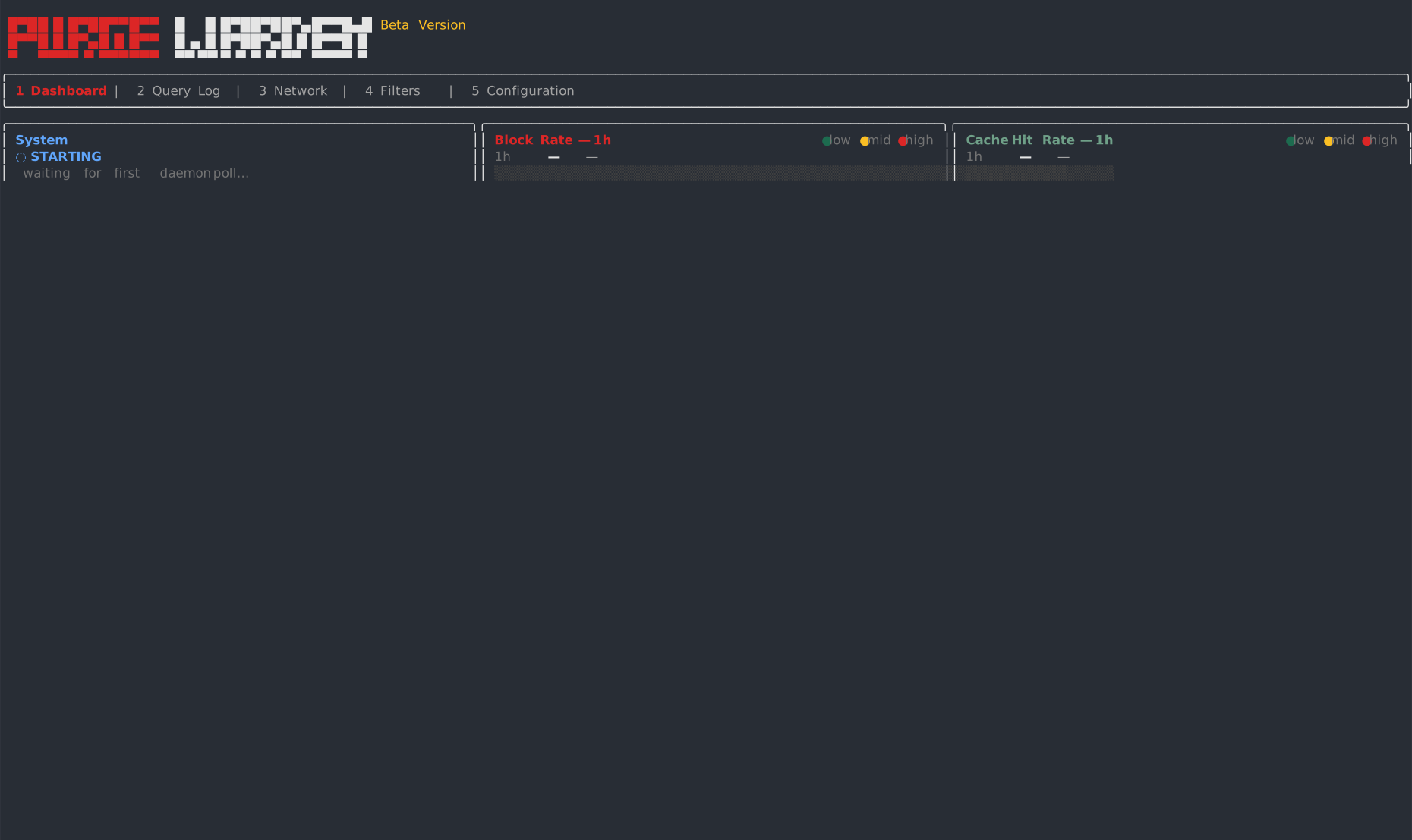
No web app to open. Dashboard, query log, network, filters — the whole resolver on one terminal, even over SSH from the router.
-
Global Monitor
The opening dashboard is the whole network at a glance: block rate, query volume and resolver health. Counters update as queries land, so you can keep traffic under watch in real time.
- Block rate — 1h, 8h, 24h and 7d, side by side, so you can see how the filter is holding and spot an anomaly before it settles in
- Live volume — query rate and record types as they land, so a quiet evening is obvious, and a sudden climb or a burst of unusual types is the first sign a device is misbehaving
- Top offenders — which list is catching the most, and which devices are sending the most queries, so you can start to understand what the network is actually doing
- Resolver health — cache hit rate, peak load and daemon poll, so you know the resolver is answering — not just that the filter is blocking
-
Every Query in Detail
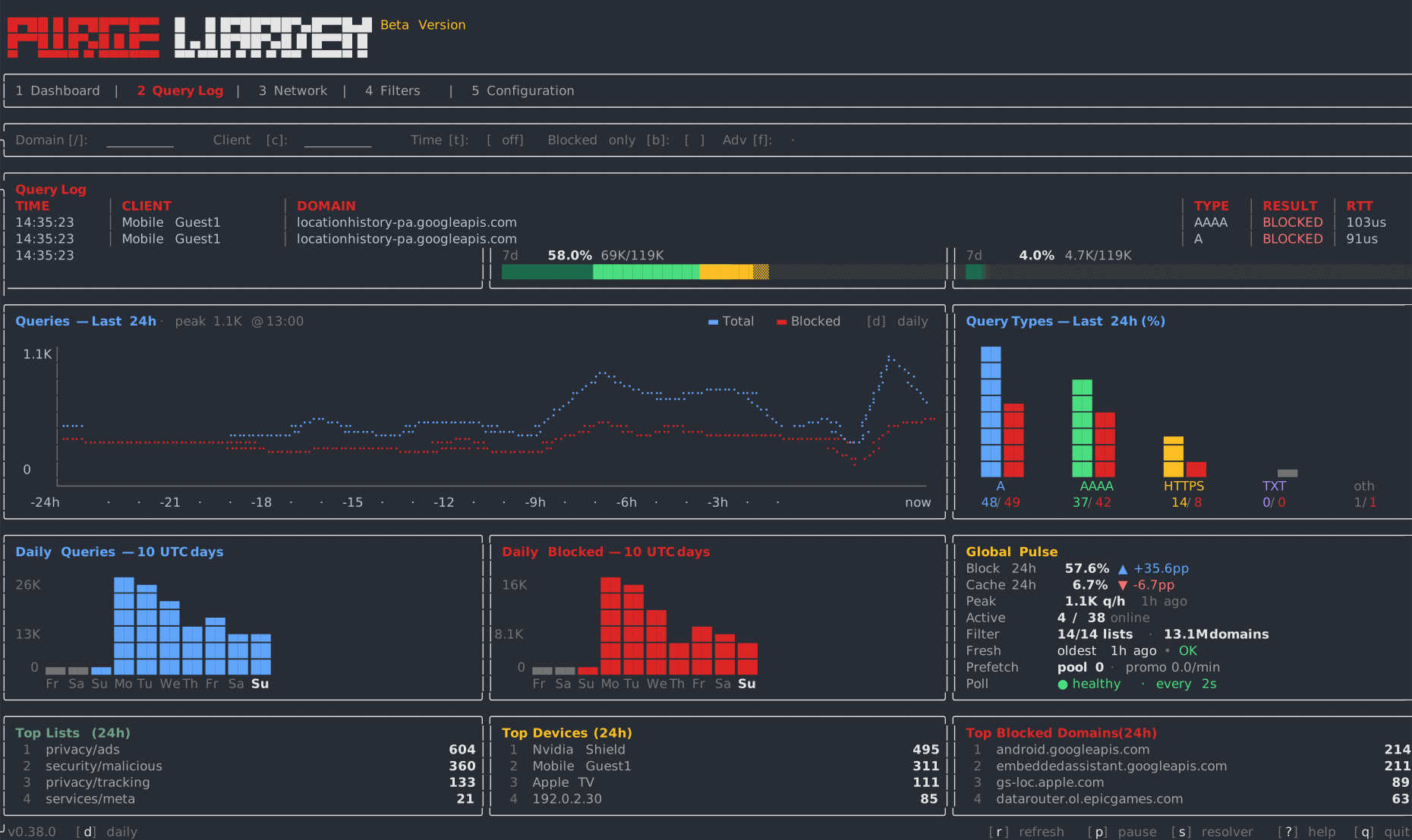
The live log is every query from every device, as it lands. Isolate a host, read the type and the result, then write an allow or a block from the row itself — onto a list you can mount on a profile.
- Every query — time, client, domain, type, result and RTT, so you can see who asked, what was decided, and how long it took
- Filter by device — every query from one host, then narrow by domain, time, or blocked-only, so you can follow a single device without the rest of the LAN in the way
- Query type — A, AAAA, HTTPS and the rest on each row, so you can tell IPv4 lookups from IPv6, and see how a device is trying to connect
- Act on the row — take the name on the row and write it into a custom allow or block list, then mount that list on the profiles that should use it
-
Document Your Network
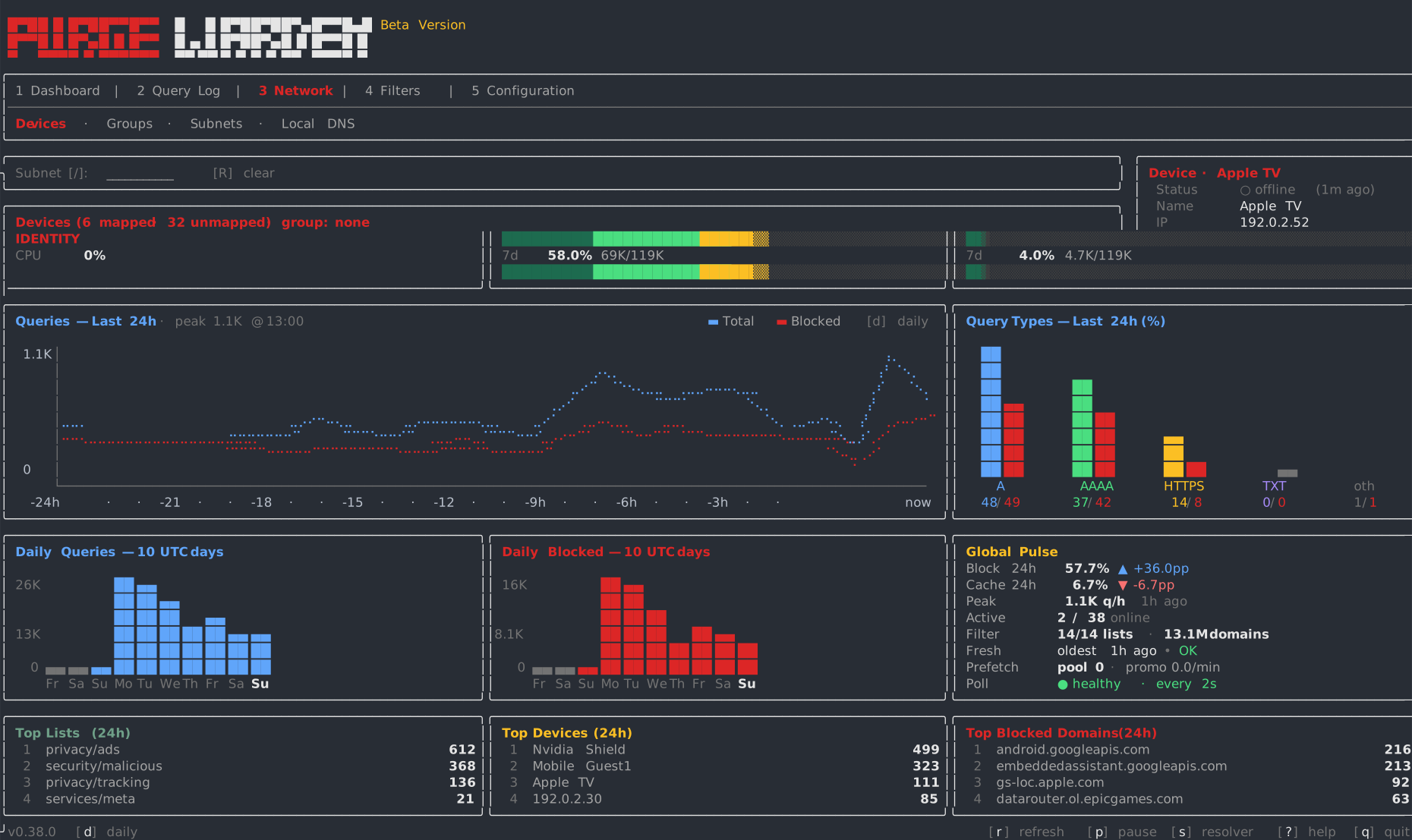
Warden already sees every client. Map a host so you recognize it, catalog it by owner, type and department, then read how much it talks and how much of that is blocked.
- Map a device — pick a host on the LAN and give it a name, so you read kids-ipad, not 192.168.1.107
- Catalog in layers — owner, type, department and group on the same host, so you can segment kids from work laptops, or one department from another
- Traffic and block rate — queries today and blocked % on every row, so you can see what a device is actually doing, not only that it exists
- The whole LAN — mapped and still unmapped, last seen a minute ago or last week, so a new phone or a forgotten gadget cannot hide
-
Build Your Own Rules
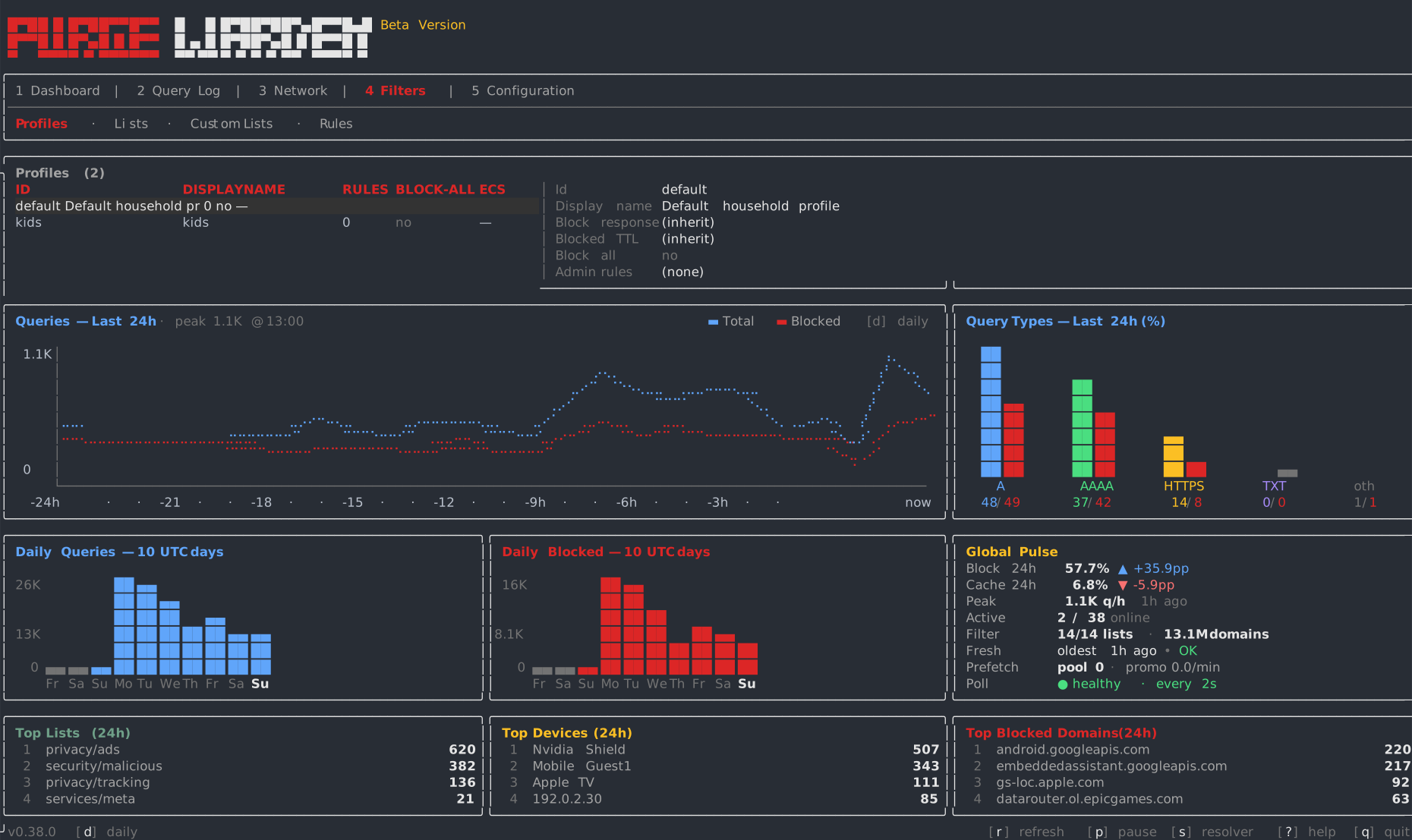
Profiles pick the lists. Attach a profile to a group of devices — or to a whole subnet — then decide, per profile, whether a feed is a blocklist, an allowlist, or silent.
- Profiles on groups — write a profile and attach it to a group of devices, so the kids' tablets and the work laptops do not share one policy
- Flip the nature — a list that blocks on one profile can allow on another, so the same feed is not the same rule everywhere
- One list, many settings — inherit, invert, or make it inert for a profile, without copying the file
- A whole subnet — attach a profile to a CIDR, so a lab range or the guest Wi-Fi gets the rules without naming every host